
Developing a Real Digital Guide: Smart Docent (Part 2)
Story
Continuing Our Smart Docent Journey

In the previous post, 'Developing a Real Digital Guide: Smart Docent (Part 1)', we covered the infrastructure setup for implementing indoor positioning technology.
With BLE beacons installed throughout the space and everything ready for indoor positioning, the real work of creating a service visitors could actually use was just beginning.
Unexpected Problems in the Field
Drawing the Lines

With infrastructure complete, we started dividing the exhibition space into zones. We needed to define which areas belonged together and train the AI model accordingly.
But the viewing flow the exhibition planning team envisioned didn't always match the spatial divisions our AI could accurately recognize.
Curators wanted to group specific artworks thematically within exhibition halls. But the Bluetooth signal patterns in those spaces didn't always create clear boundaries for the AI. Tight spaces increased positioning errors.
The In-Between Spaces
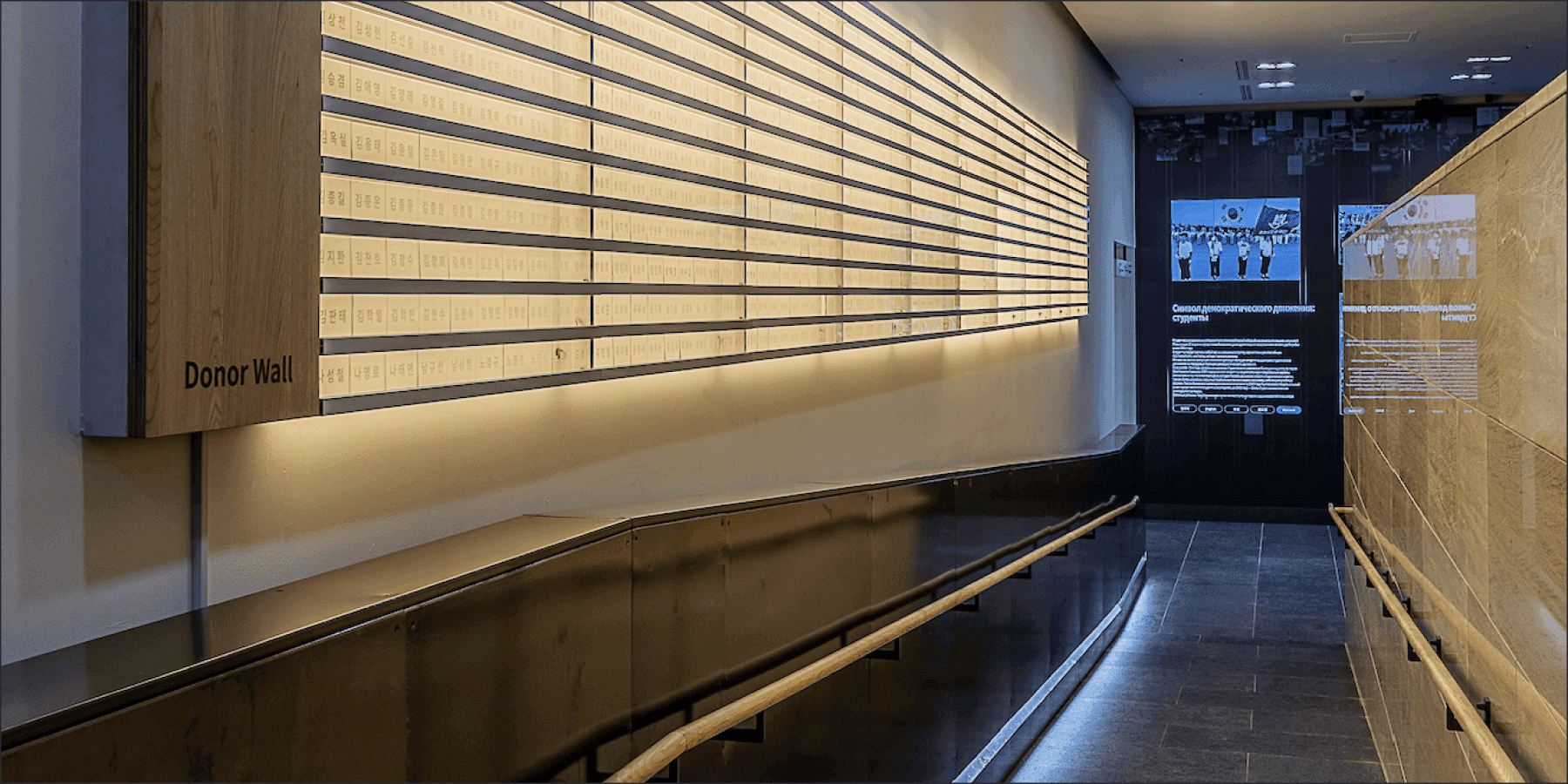
Exhibition spaces often blur floor transitions to maintain seamless visitor flow. The museum had exhibits in the long corridor connecting B1 to the first floor and in spaces bridging indoor and outdoor areas.
The challenge was determining which floor these exhibition areas belonged to in the docent app without disrupting the viewing experience. Museum maps in the app required clear floor distinctions.
Beyond positioning accuracy, we had to consider how to group exhibition content so the viewing flow stayed intact.
Bridging Technology and Service
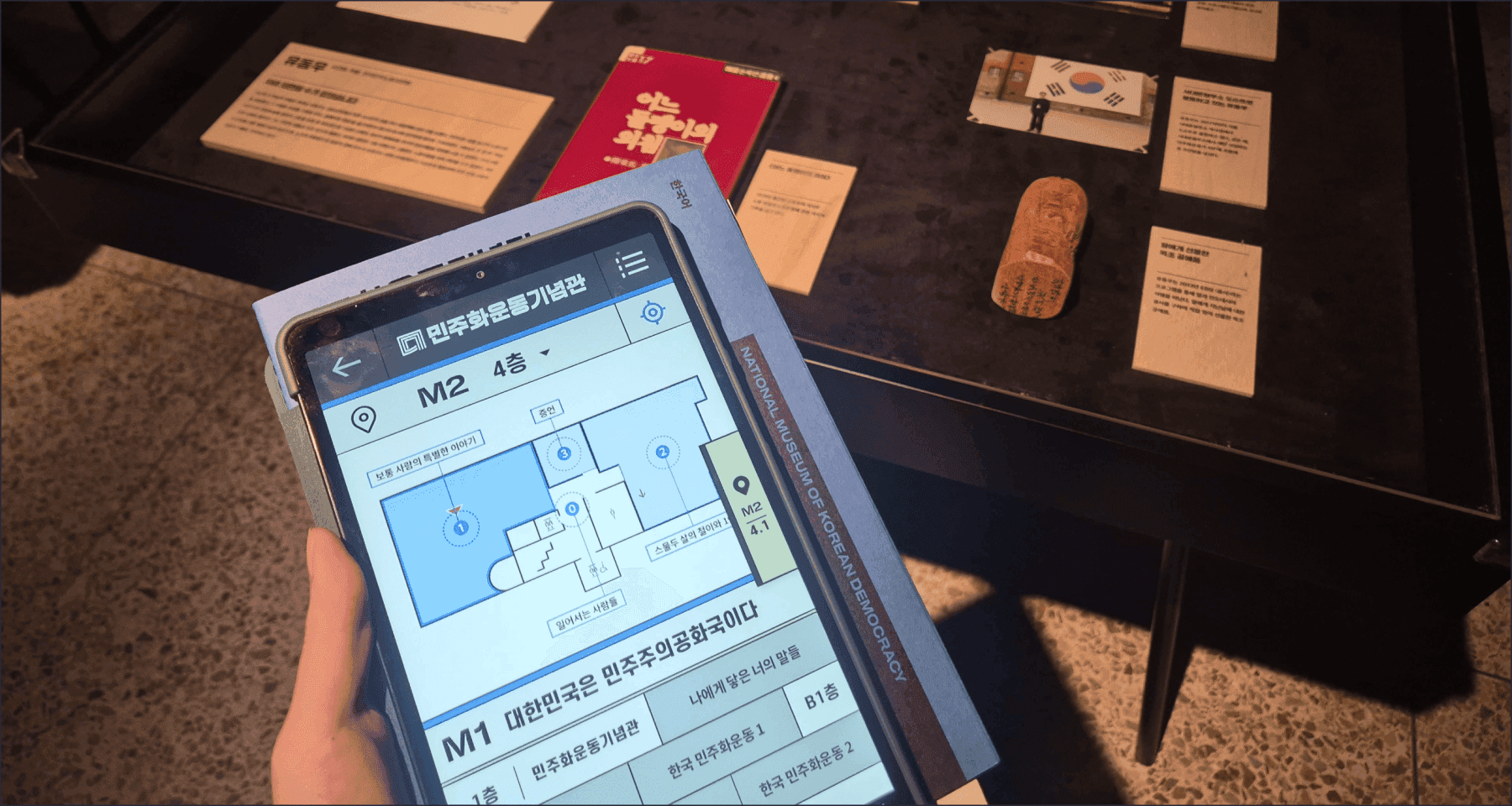
Turning 'technology' into actual 'service' meant considering user experience beyond technical accuracy.
Through numerous discussions about creating natural viewing flow, we merged some zones, subdivided others, and determined the most natural spatial groupings based on visitor movement. This completed the indoor positioning AI model for the docent app.
It was finding the sweet spot between technical capabilities and curatorial intent.
Refining the User Experience
After solving these issues, version one of the Smart Docent app was complete. But real-world testing revealed unexpected user experience problems. Things that worked technically but felt awkward from visitors' perspectives.
Keeping the Flow
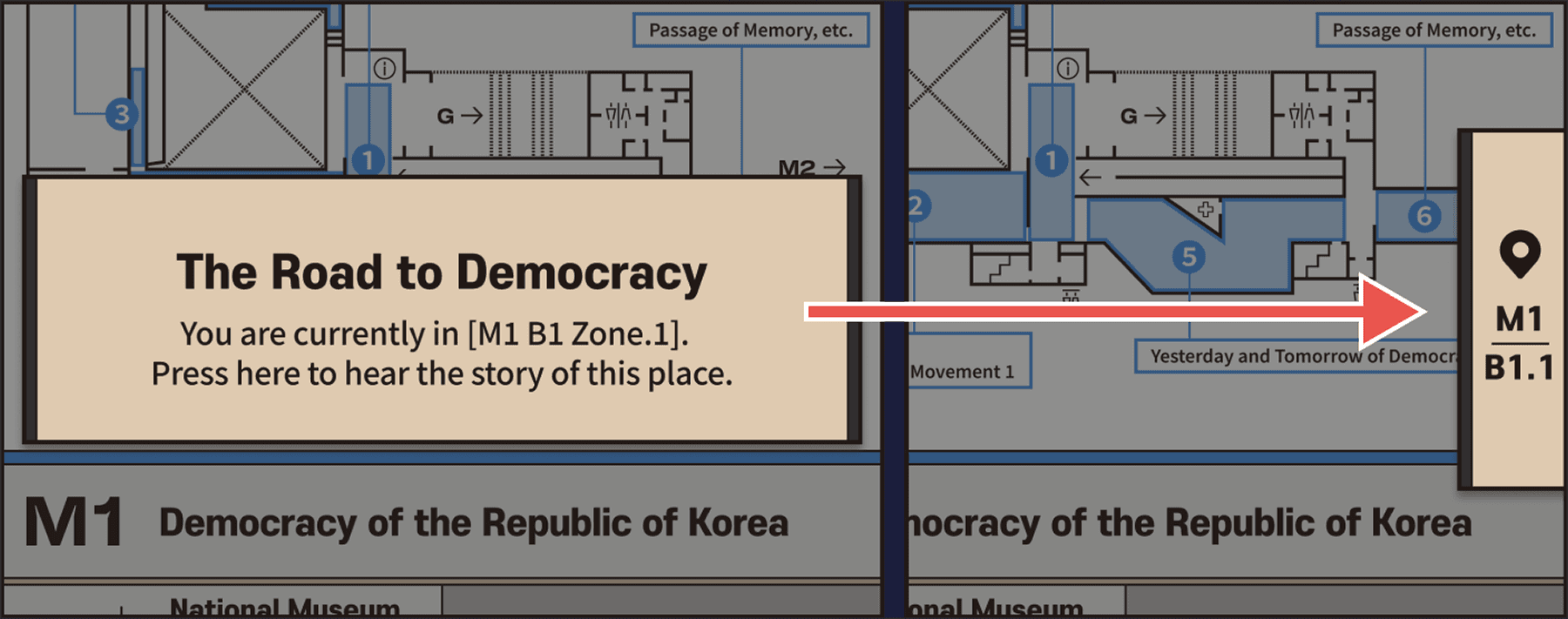
Imagine reading about Exhibit A when Exhibit B's explanation suddenly starts automatically as you enter Zone B. You'd lose your place before finishing A's description.
IPIN LABS adopted a notify then choose approach. When visitors enter new zones, the app notifies them but lets them decide whether to view the explanation. True smart service means suggesting the right information at the right moment, not complete automation.
The 'Nothing' Spaces
Another issue emerged in spaces between exhibition halls. When visitors crossed courtyards or walked through building connectors, the app seemed unresponsive.
The AI had learned 'exhibition spaces' but had no data about 'non-exhibition spaces' (we called them 'nothing' spaces internally). In these areas, the app decided visitors weren't in any zone and stayed silent. Visitors couldn't tell if the app was working.
We fixed this by defining non-exhibition spaces as separate zones and showing locations on the map. A small change, but crucial for user trust.
Designing for Everyone
Speaking Multiple Languages
Exhibition descriptions inside the museum are primarily Korean, making the Smart Docent essential for international visitors seeking deeper understanding. But simple translation wasn't enough.
Historical facts require specific terminology. Especially when conveying the values of Korea's democracy movement, following official English terminology and matching tone mattered. We needed to communicate history's weight to visitors from different cultural backgrounds.
When Things Get Difficult
Cultural experiences should be accessible to everyone. Whether slightly uncomfortable or young, everyone should be able to deeply understand the democracy movement's history.
The Smart Docent includes a 'Commentary for All' section. Major exhibits feature sign language videos, and an 'Easy Commentary' version simplifies historical terms and complex concepts for younger visitors.
History open to everyone, told in language everyone understands. That was the accessibility we pursued.
When Technology Meets Culture

Through countless iterations and careful adjustments, the National Museum of Korean Democracy Smart Docent finally launched.
Developing the Smart Docent taught us more than implementation. It revealed the responsibility when technology conveys culture. Accurate positioning, natural user experience, universal accessibility, proper historical communication. Only when these elements harmonize does meaningful service emerge.
Technology creates social value beyond convenience. IPIN LABS will keep working to deliver meaningful experiences through indoor positioning to more people in more spaces.
<Recommended Articles>


Try Lite!